
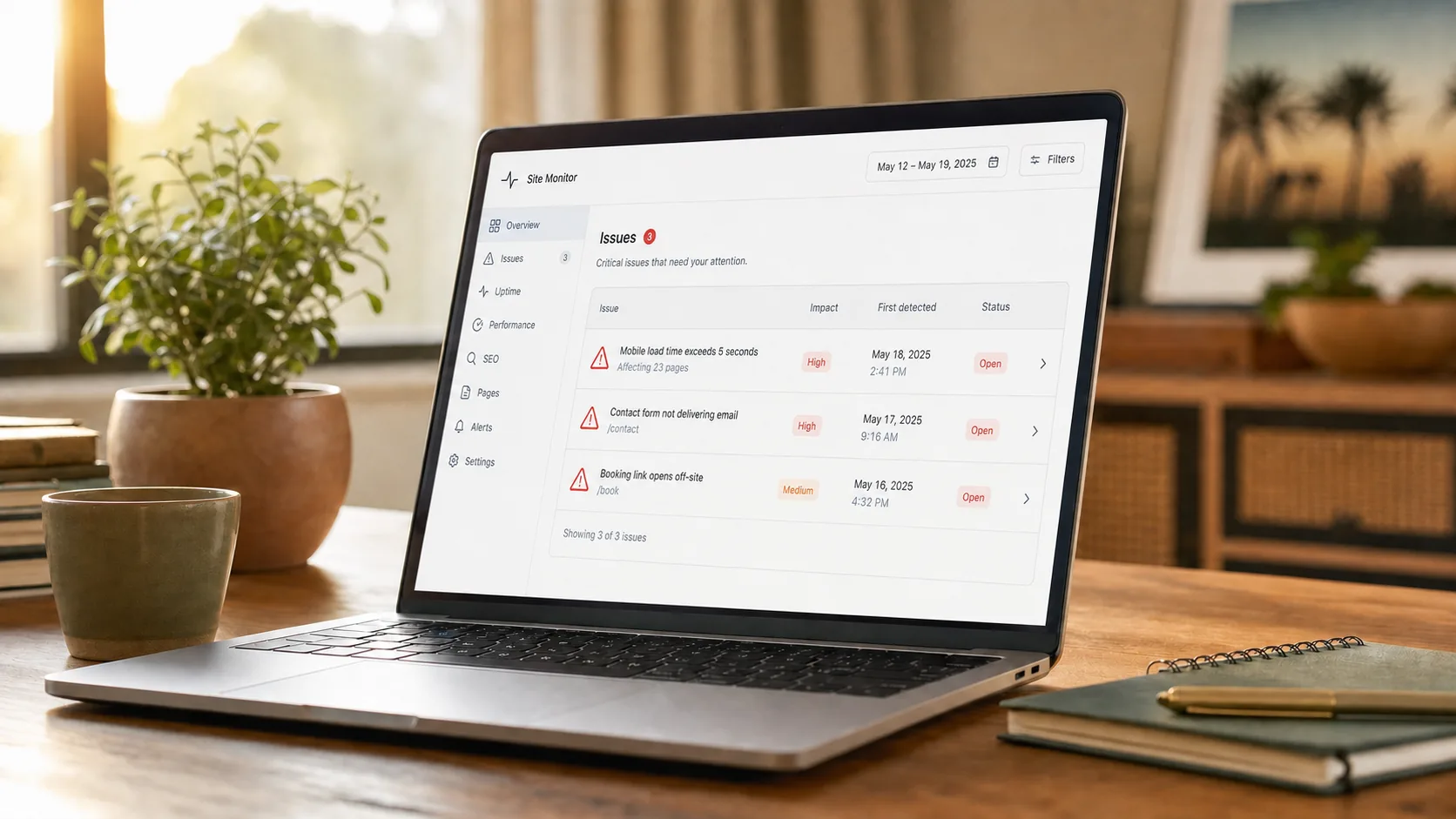
A bad website doesn't fail loudly. It fails quietly, the way a slow leak fails. You don't notice until you do a count of monthly bookings and realize you have been losing customers to competitors for six months straight.
The frustrating part is that most of these failures are easy to spot if you know where to look. Here are five tests you can run on your own site in under 10 minutes total. If you fail more than one of them, your website is the problem.
Sign 1: Your phone number is not click-to-call on mobile
The test: open your site on your phone. Tap your phone number anywhere it appears.
What should happen: your phone instantly opens the dialer with your number pre-filled. One tap, one call.
What usually happens: nothing. The number is rendered as plain text, not as a clickable link. The customer has to write it down, switch apps, type it in. Half of them give up.
This is a 60-second fix that lives in HTML: every phone number on your site should be wrapped in a tel: link. Most cheap site builds skip this because the template never enforced it.
Sign 2: You never get the email when someone fills out your contact form
The test: go to your contact form. Fill it out with a fake name and a real email you can check. Submit.
What should happen: within five minutes you receive an email at your business address with the submission details.
What usually happens: nothing. The form looks like it submits (you see a "thank you" message), but the email never arrives. Or it lands in your spam folder. Or it goes to an old email address from when the site was built.
We see this on a lot of the cheap sites we audit. Customers fill out the form, never hear back, and assume the business is closed or unprofessional. Meanwhile the owner has no idea anyone tried to reach them.
Fix: send yourself a test submission every month. If you stop getting the email, the form is broken.
Sign 3: Your "Book Now" button opens in a new tab
The test: tap "Book Now" or whatever your booking CTA is.
What should happen: the booking flow loads inside your site, in the same window. You can see your own header and navigation while the customer picks a time.
What usually happens: a new browser tab opens, with the booking platform's branding (Calendly's URL, Acuity's logo, etc.). The customer is now on a different domain. Roughly 30 to 50% of them never finish.
We covered this in detail in our post on online booking systems. The fix is to embed the booking widget inside your site instead of linking out. Every major booking platform supports this.
Sign 4: You cannot find yourself in the map pack for your service + city
The test: open Google in a fresh tab (or incognito so your usual search history does not bias the result). Search "[your service] [your city]" or "[your service] near me" while on a network in your area.
What should happen: your business shows up in the three-pack of local results with a map.
What usually happens: three competitors show up, none of them you. Your business is buried below the fold, on page two, or nowhere at all.
This is a local SEO failure, and we wrote the playbook for fixing it in our post on local SEO basics. The short version: claim your Google Business Profile, fill it out completely, and start asking every customer for a review.
Sign 5: Your homepage copy hasn't changed in two years
The test: scroll to the bottom of your homepage. Check the copyright year. Then read the headline. Then look at the "team" or "about" page.
What should happen: copyright is the current year, the headline reflects what your business does right now, and the team page shows the people who actually work there today.
What usually happens: copyright is 2022 or earlier. The headline still says something generic like "Welcome to [Business Name]." The team page lists someone who left three years ago.
Customers can smell a stale site. It signals "this business is coasting" before you have a chance to say anything. The fix is not rebuilding your site, it is keeping it alive. A 20-minute update once a quarter is enough.
FAQ
Why doesn't my website builder warn me about any of this?
Most builders are designed to look good in their own demos. They are not designed to catch the operational failures (broken email forwarding, missing click-to-call, stale content) that quietly cost real businesses real money.
How often should I run these tests?
The phone, form, and booking tests should be run monthly. Map pack and freshness tests every quarter. None of them take more than two minutes apiece.
If my site fails three or four of these, is it worth fixing or should I start over?
Usually worth a full rebuild. If your site is missing the foundation in three or four places, retrofitting them piecemeal costs more than building it right once. We covered this tradeoff in our post on the real cost of a cheap website.
Will my customers actually notice if I fix these?
Yes, but quietly. You will not see a flood of feedback. You will see your monthly booking numbers go up, your phone ring more, and your form submissions stop disappearing. The signal is in the numbers, not in the compliments.
Can I get a free audit of these five things?
Yes. Get a Free Website Audit, a 65-point scan of your site and your Google presence, and we'll tell you exactly what's missing.